Tuesday, 2 September 2026
Shipped
Login and quest joining unblocked, AR gameplay traced to a missing engine build
Put a real Android build on a physical device and drove the whole onboarding flow against the live API. That surfaced a bug which made login impossible for every user, now fixed and verified. On the backend, audited the legacy environment against the new one and replaced the email stub with a working SendGrid sender.
Mobile app crypto-hunters-mobile-app
- Compiled and installed the Android debug build on a physical device (TECNO KF6k, Android 11) through
./preview-app.sh, with Metro fast refresh attached. -
Fixed the auth gate that blocked every login.
The game backend keys users by
id, but the root navigator gates the app onuserdata._id. Login succeeded server-side and then silently dropped the user back on the sign-in screen. Added theid → _idbridge touseLoginanduseSignUp, matching whatuseLoginWithTokenalready did. -
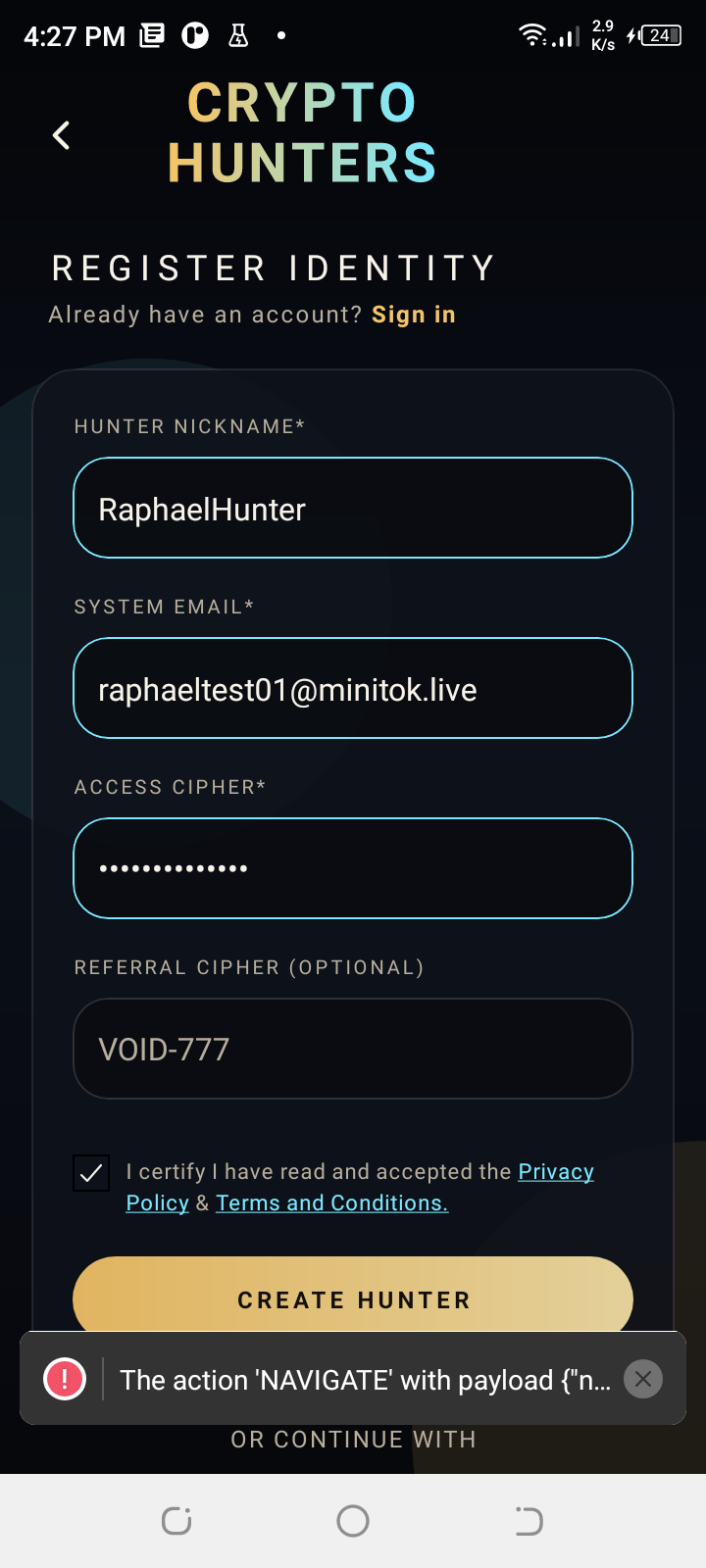
Sign-up now establishes a real session.
It only wrote to the React Query cache and never dispatched to Redux, so a brand-new account stayed logged out and the follow-up
navigate("Dashboard")failed with “not handled by any navigator”. It now reusesapplyAuthSession, the same bootstrap login uses. - Verified on device:
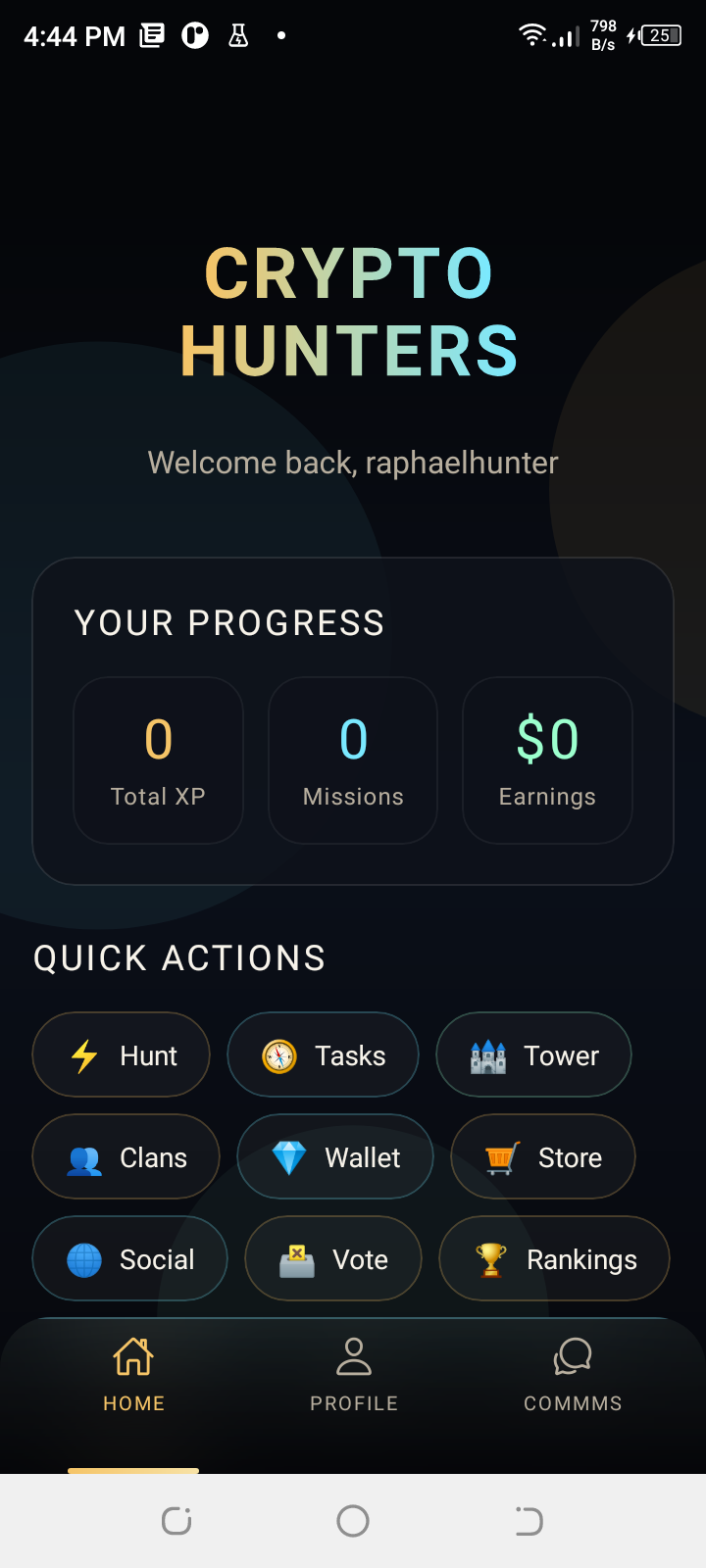
[RootNavigator] isLoggedIn: true, dashboard reached, wallet and referral code generated for the new account. -
Chat still fails after login.
Client-side only — the backend chat token is fine (see below). The saga chains
.then()offgetSubscribedConversations()and dies with “Cannot read property 'then' of undefined”. Next up.
Game backend crypto-hunters-game-backend
-
Twilio needed no change.
Audited against the legacy backend. All four
TWILIO_*variables are already present on the server andPOST /api/user/generateChatTokenreturns200in production for a live user. The chat problem is entirely in the app. -
Implemented transactional email through SendGrid.
email.helper.tswas a placeholder that only printed the verification code to the console. It now sends through the SendGrid v3 REST API over axios — deliberately not the SDK, because the deploy script builds on the server without reinstallingnode_modules, so adding a runtime dependency would have broken the deploy. Falls back to logging when credentials are absent, so local development still works. - Ported
MAIL_SENDGRID_KEYandMAIL_SENDGRID_FROMfrom the legacy backend into the new config and the server environment. Sender address iscrh.game@crypto-hunters.io. - Password reset continues to go through Supabase Auth (
resetPasswordForEmail) and was left alone — the new SendGrid path covers the custom verification-code email instead. - Built, deployed and restarted under PM2; login smoke test returns
200with no errors in the process log. -
Twitter OAuth could not be carried over.
The new backend expects
TWITTER_CLIENT_IDandTWITTER_CLIENT_SECRET, but the legacy environment only held a scraped browser session cookie, which is not an OAuth app credential and would not work. Real credentials from the Twitter developer portal are needed.
Infrastructure
- Stood up this page — Cloudflare Pages project
readytohunt, deployed fromreadytohunt-dev-page/with a one-command publish script. - The test handset has no working internet of its own. Its Wi-Fi associates and takes a DHCP lease but never routes out, and the SIM has no data, so every API call failed as a network error. Worked around it by routing the phone's traffic through the development machine over USB. Worth fixing properly before wider device testing.
Hunt & AR gameplay joining a quest
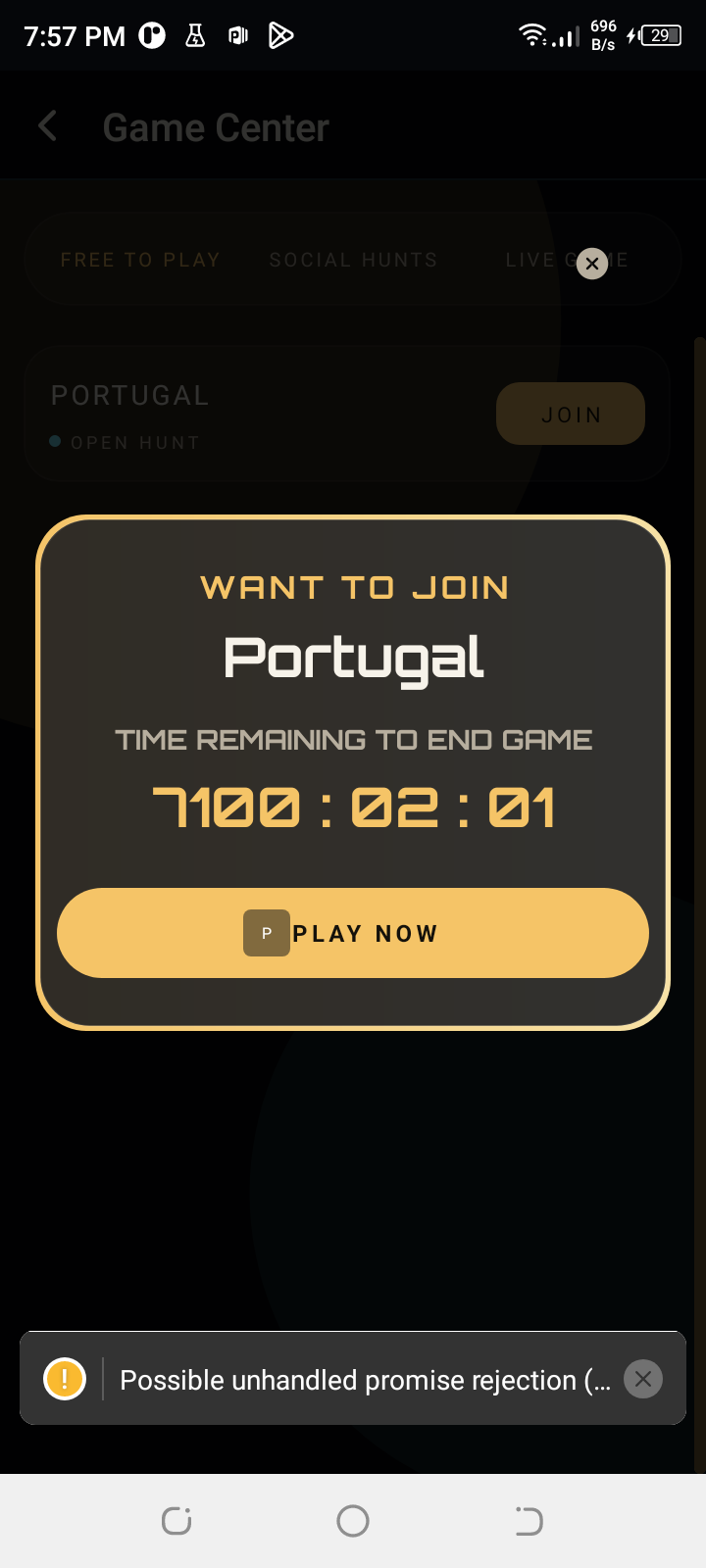
- Starting a hunt crashed the screen. The join modal referenced shared constants it never imported, so opening it threw immediately. The error surfaced as a confusing “navigation object hasn’t been initialised” message, which was only the crash handler failing on its way out.
- A first-time join always dead-ended. Looking up an agreement or participation that does not exist yet correctly returns “not found”, but the app treated any non-success as fatal and abandoned the join with a blank error. Both lookups now treat it as “none yet” and carry on, which is what the rest of the flow already expected.
- Joining was rejected by validation. The app sends a long-standing misspelling of the team type. The API only accepted the corrected spelling, so every join was refused — even though the misspelling is what all 1,836 existing records use. The API now accepts both and stores the established one.
- Two responses were missing the data the app needs. Creating a participation and creating an agreement both returned only an identifier for the quest, but the app decides the next step from the quest itself, so the flow stopped silently. Both now return the quest with them.
- Re-joining a quest returned a server error. Tapping join on a hunt you had already entered raised an unhandled “already exists” and came back as a 500. It now returns the agreement you already have, so play can resume.
- The AR screen was never registered. The route name and the screen file both existed, but nothing connected them to a navigator, so the app could never open it.
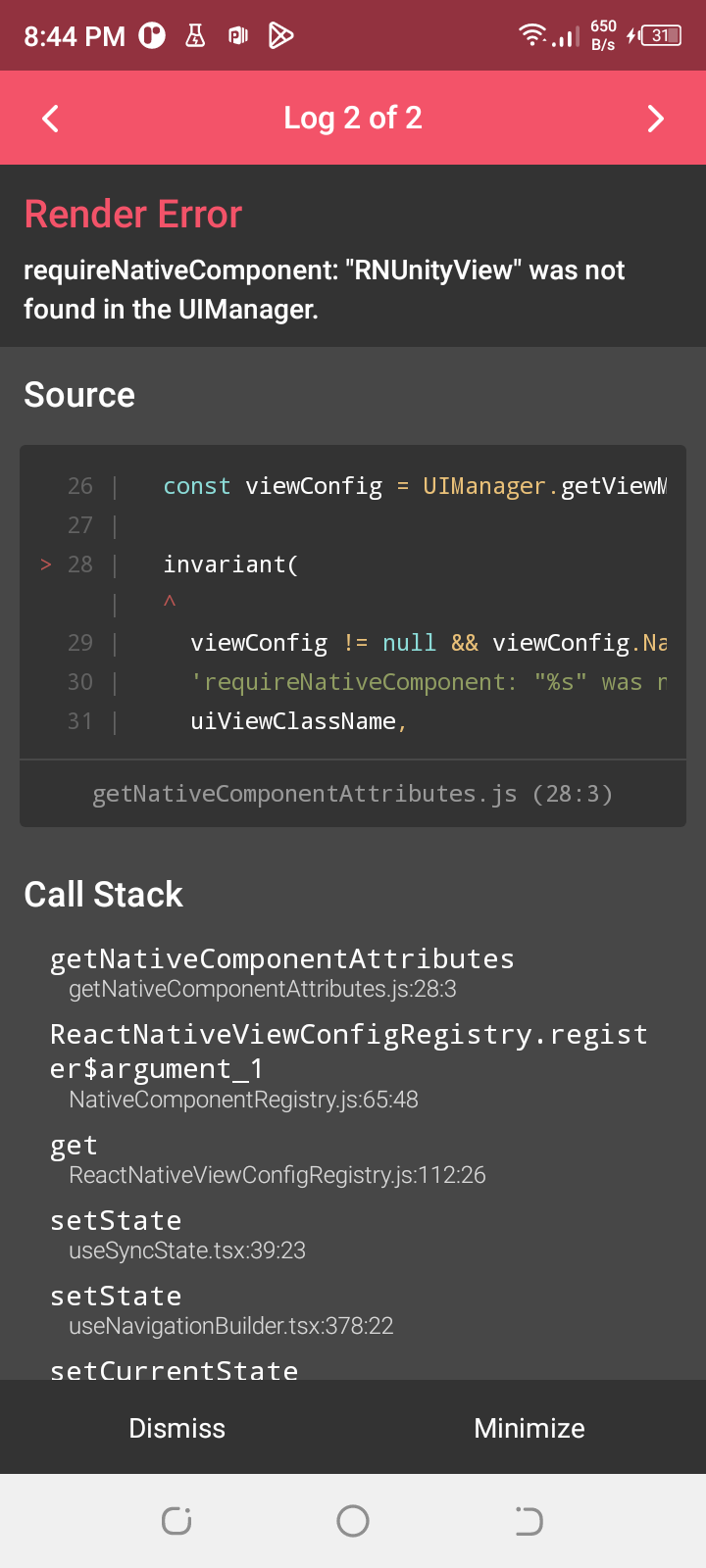
- Blocked: the AR engine is not in this build. With everything above fixed, joining now completes end to end and the app reaches the gameplay screen — where it stops, because the 3D engine library is excluded from the Android build. Handed to the engine developer; see the last screenshot.
Test account shared
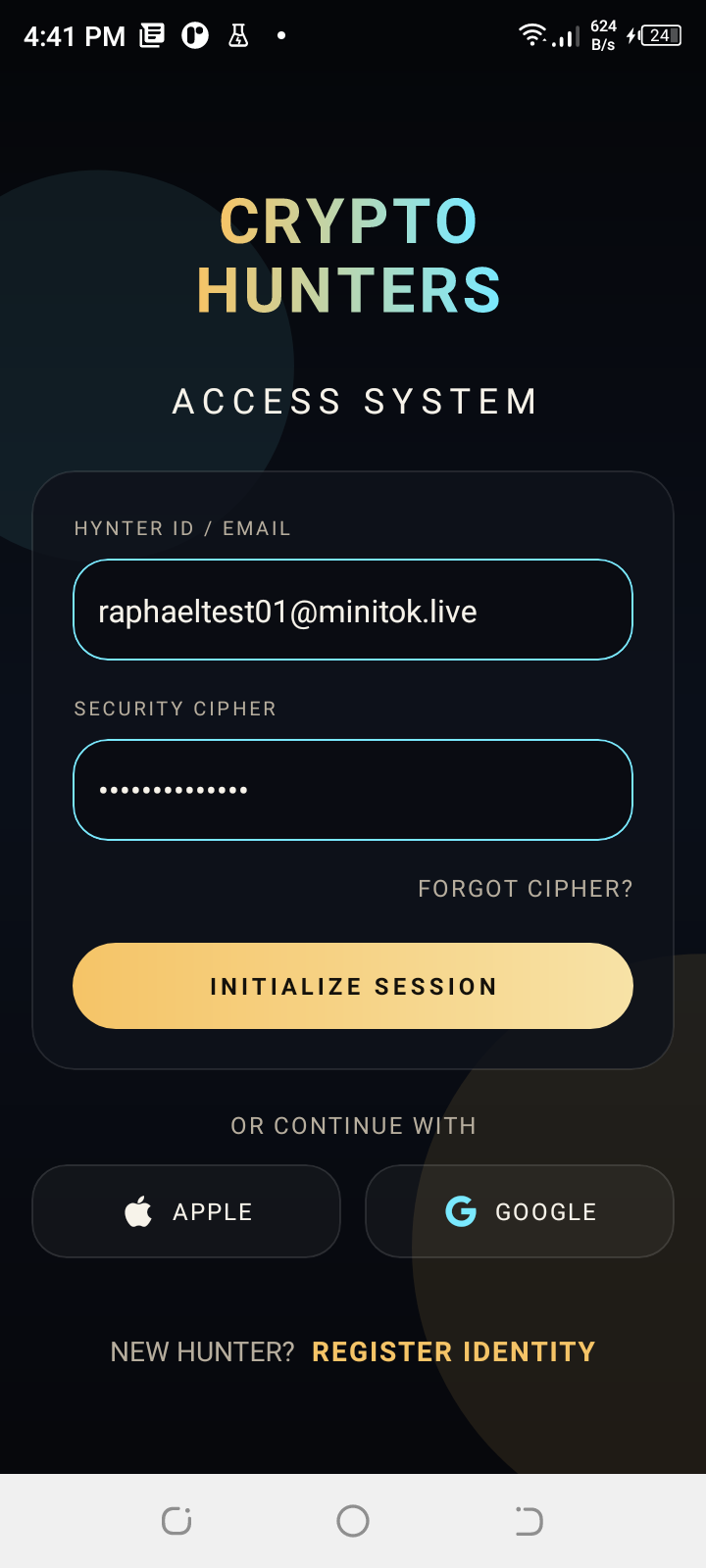
- raphaeltest01@minitok.live
- Password
- HunterRaph2026
- Nickname
- raphaelhunter
Disposable account created on 2 Sep 2026 for testing the live build — no progress, no balance. Treat it as public: anyone with this page can sign in as it. Never reuse this password anywhere else, and rotate or delete the account once device testing is finished.
Status at end of day
| Area | State | Detail |
|---|---|---|
| Registration | Working | Account created through the app against the live API. |
| Login | Fixed today | Reaches the authenticated dashboard. |
| Game API | Online | PM2, port 3002 behind nginx. |
| Chat token | Working | Backend returns 200. |
| Chat channels | Broken | Client-side saga error after login. |
| Implemented | SendGrid sender live; not yet wired to a route. | |
| Join a hunt | Fixed today | Completes end to end, participation and agreement created. |
| AR gameplay | Blocked | 3D engine library not included in the build. |
| Twitter OAuth | Blocked | Needs real OAuth app credentials. |
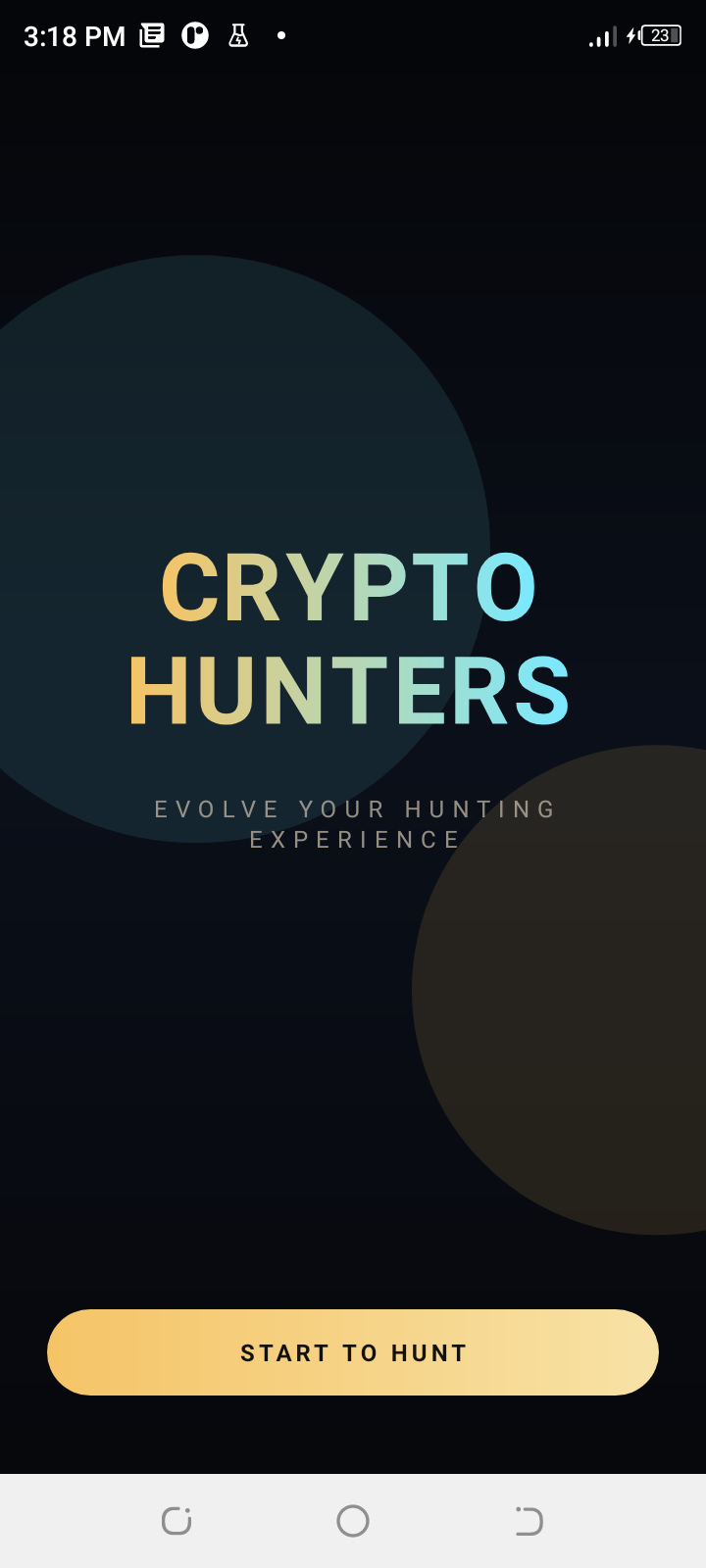
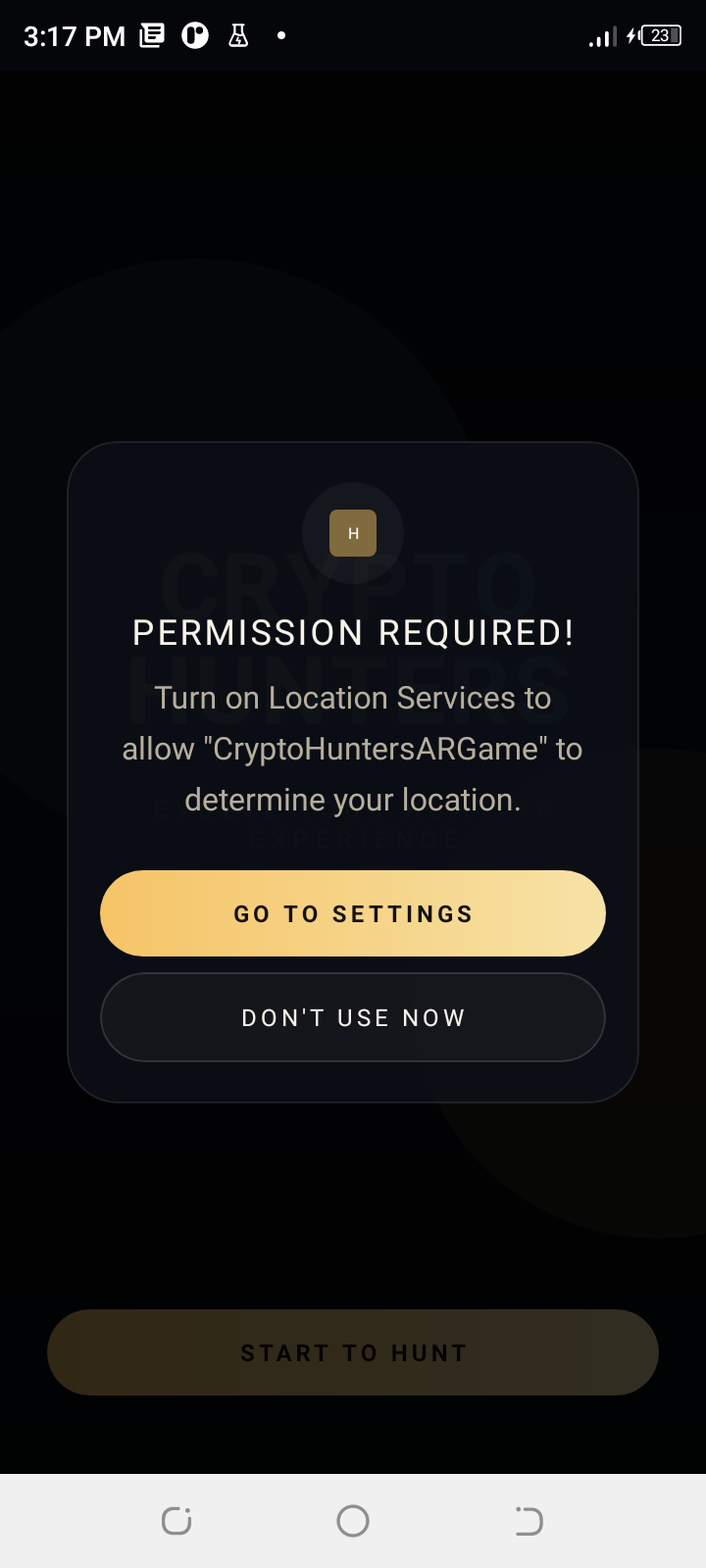
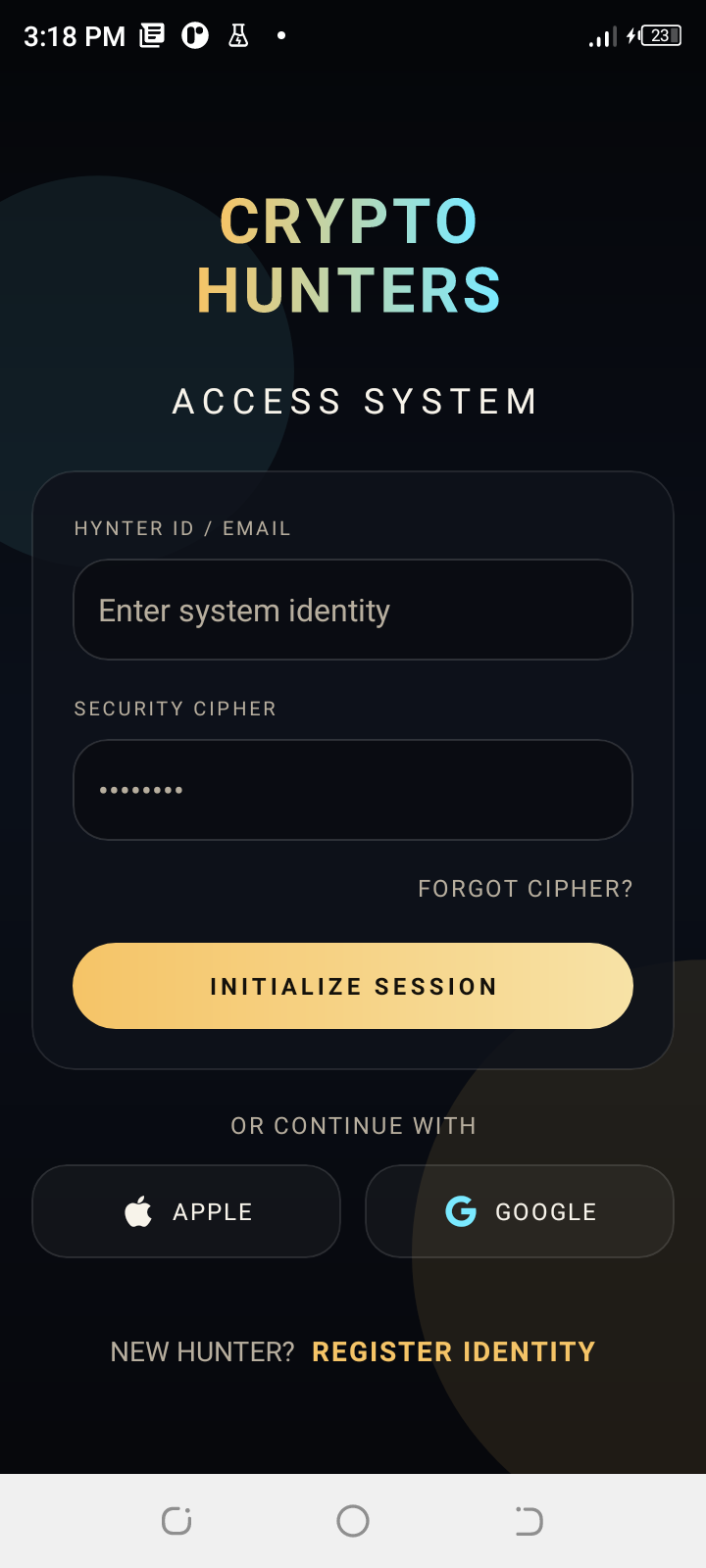
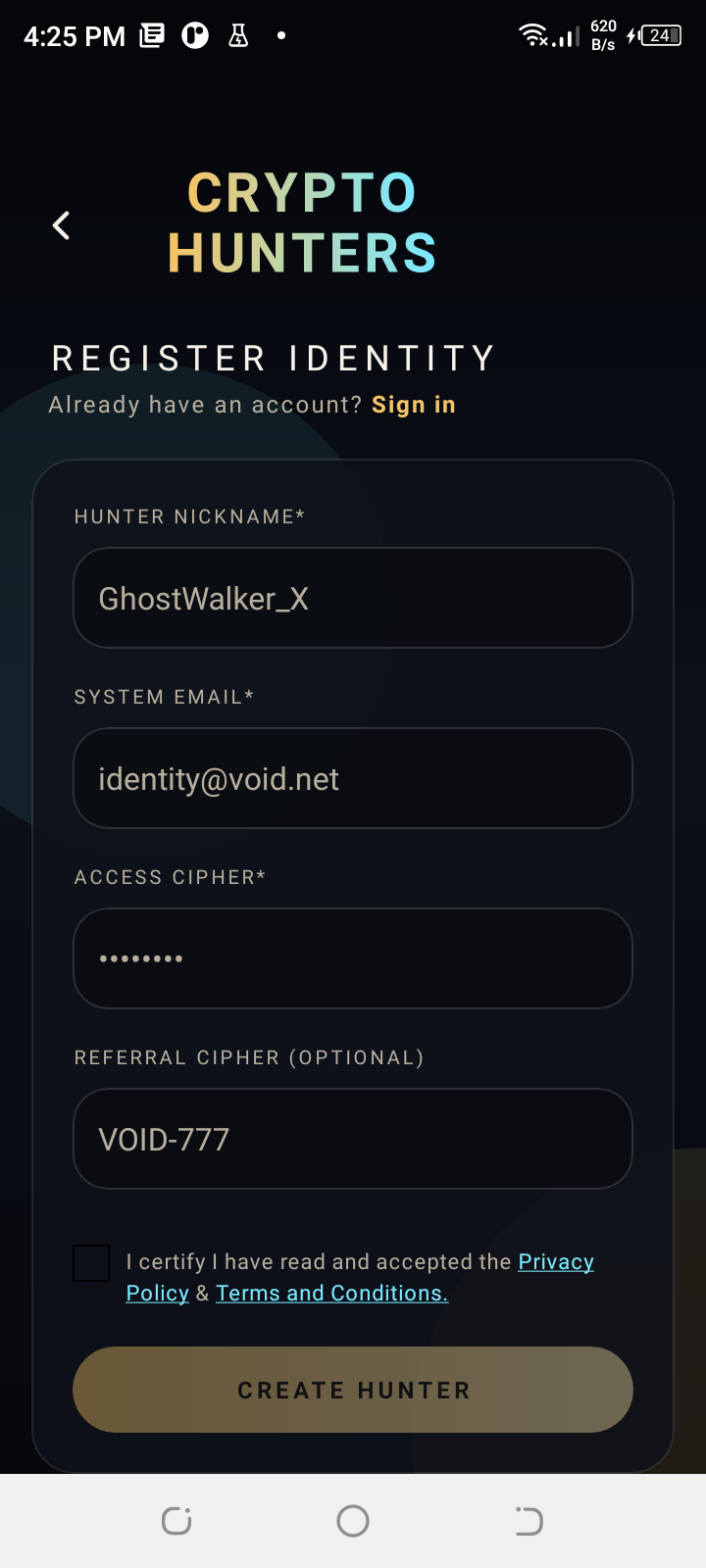
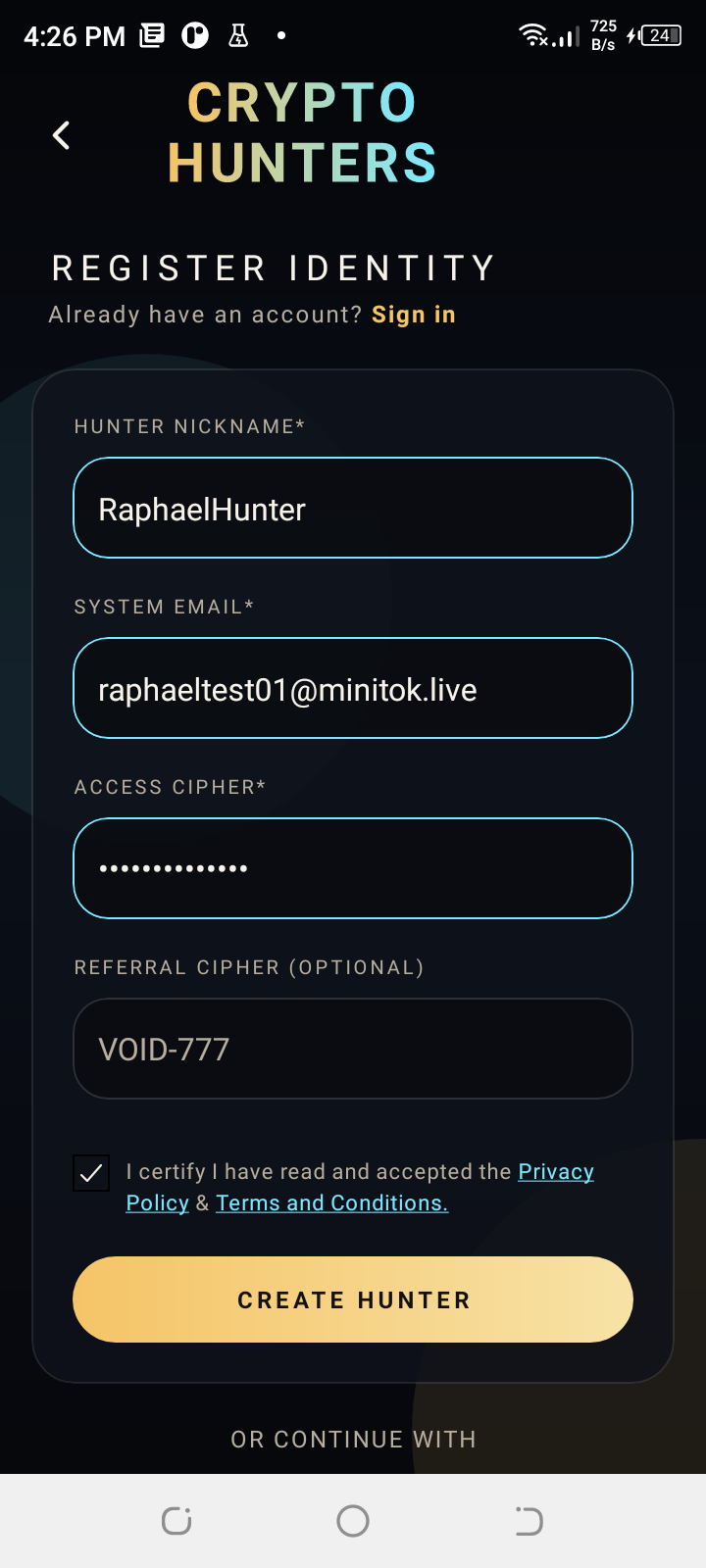
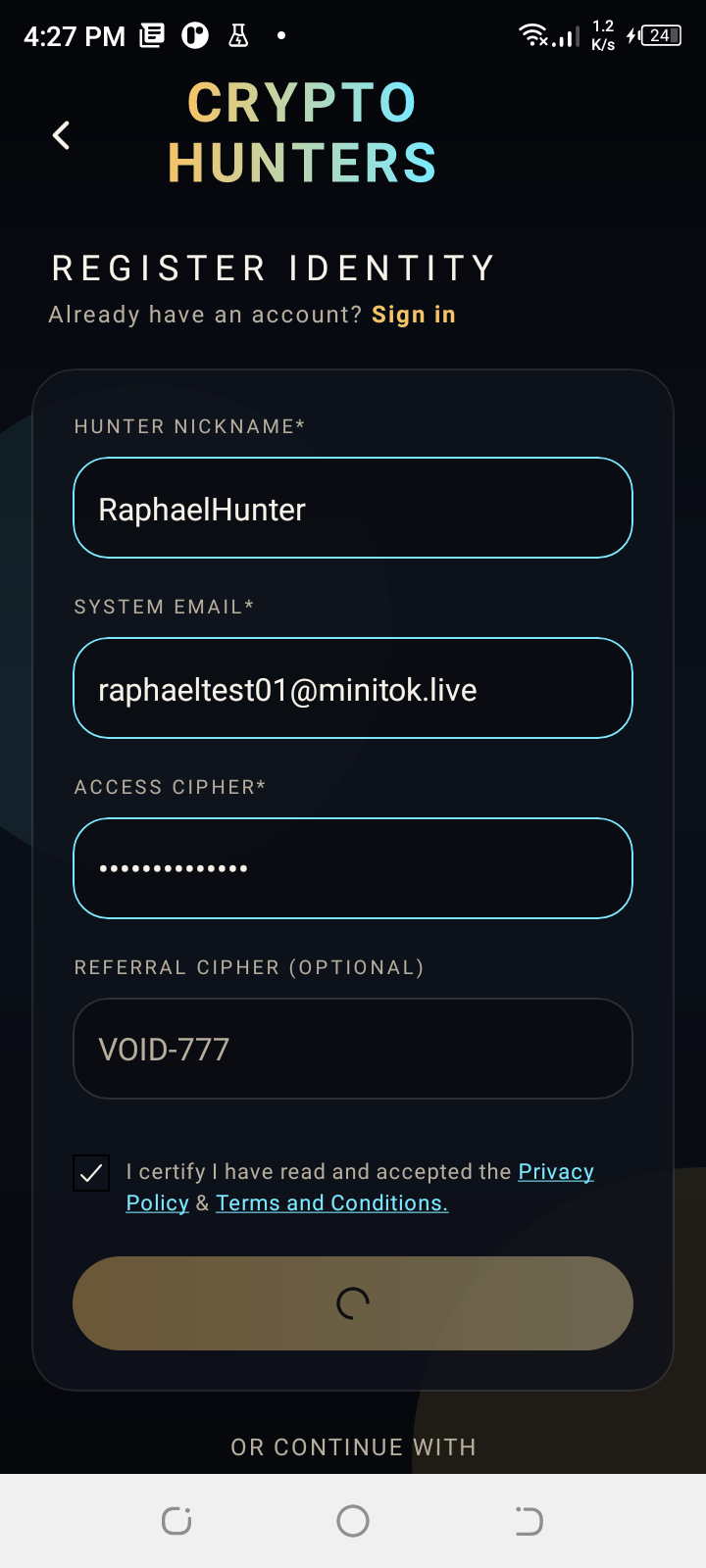
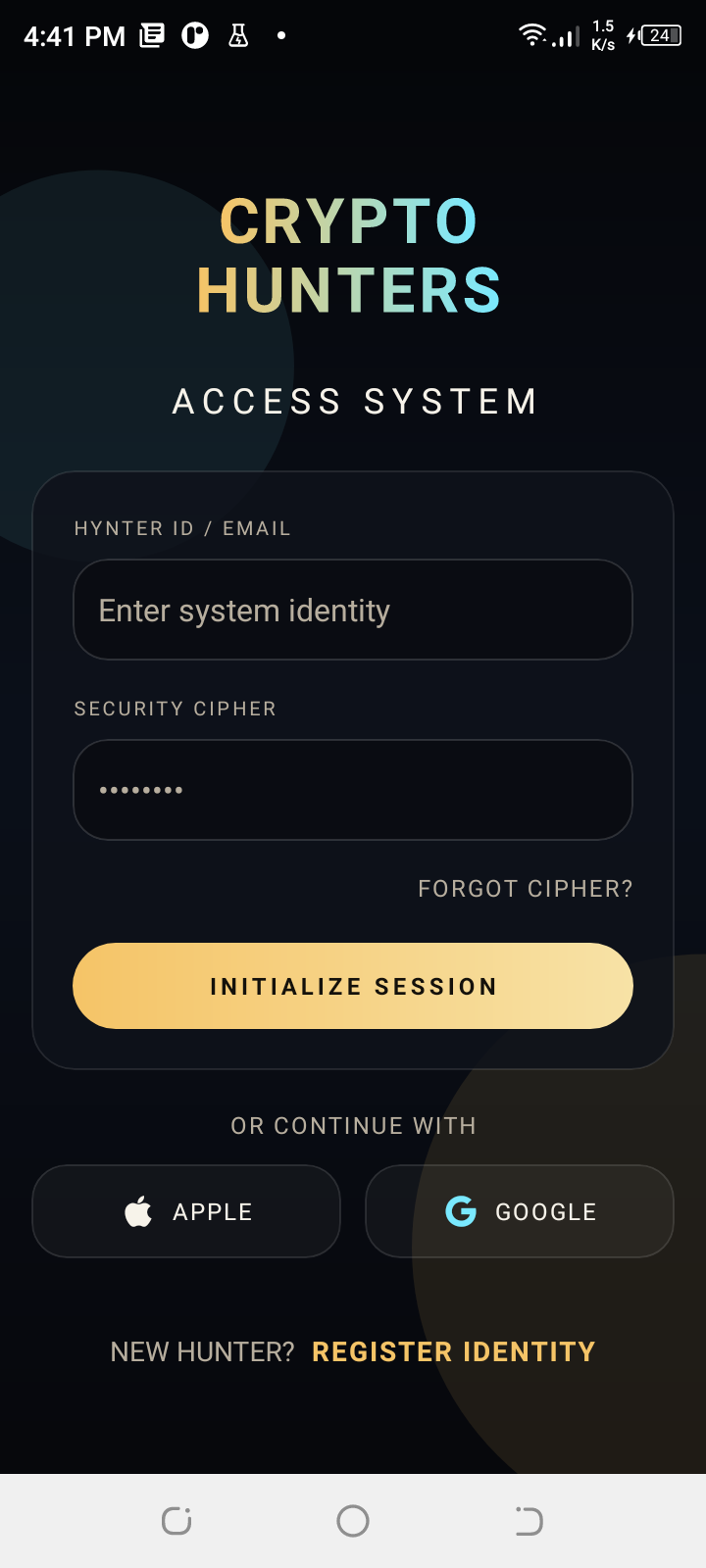
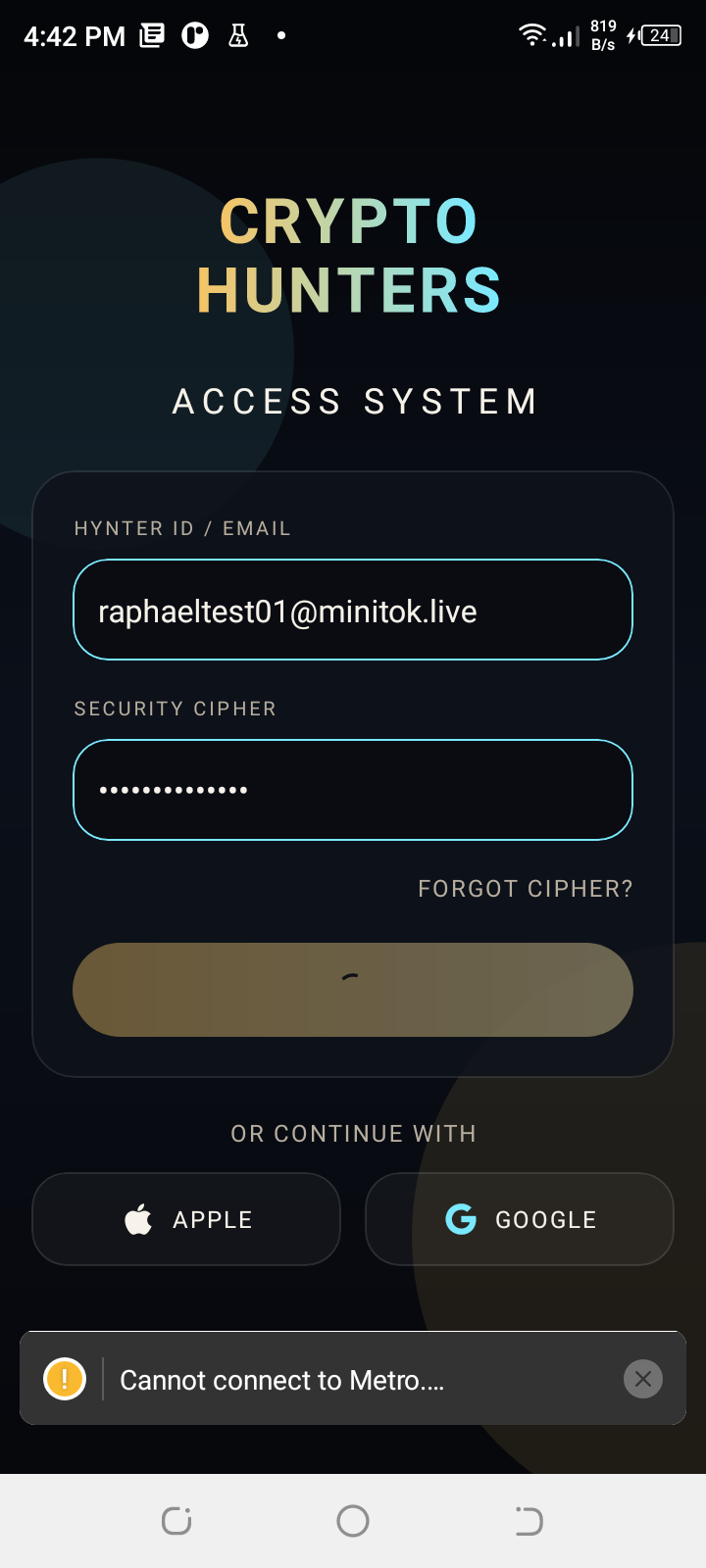
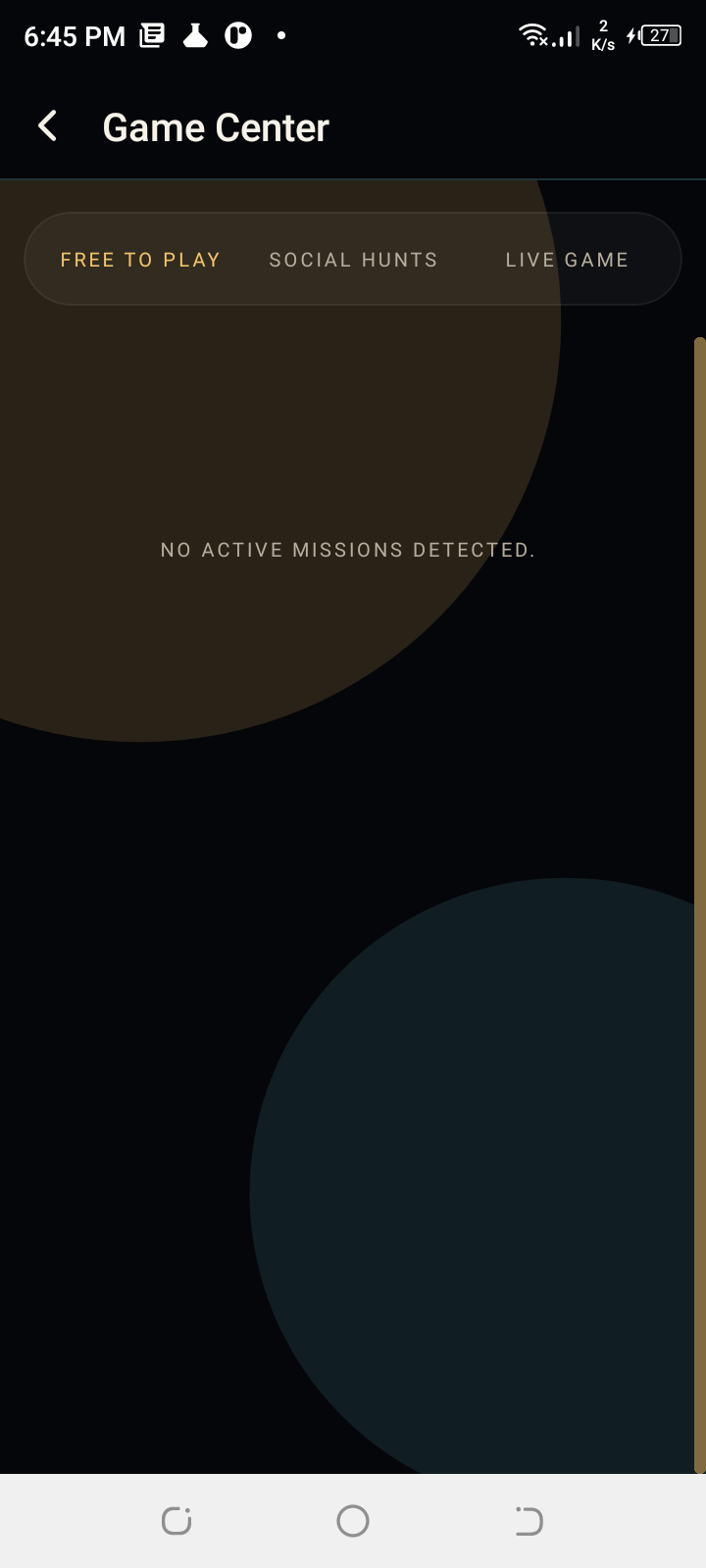
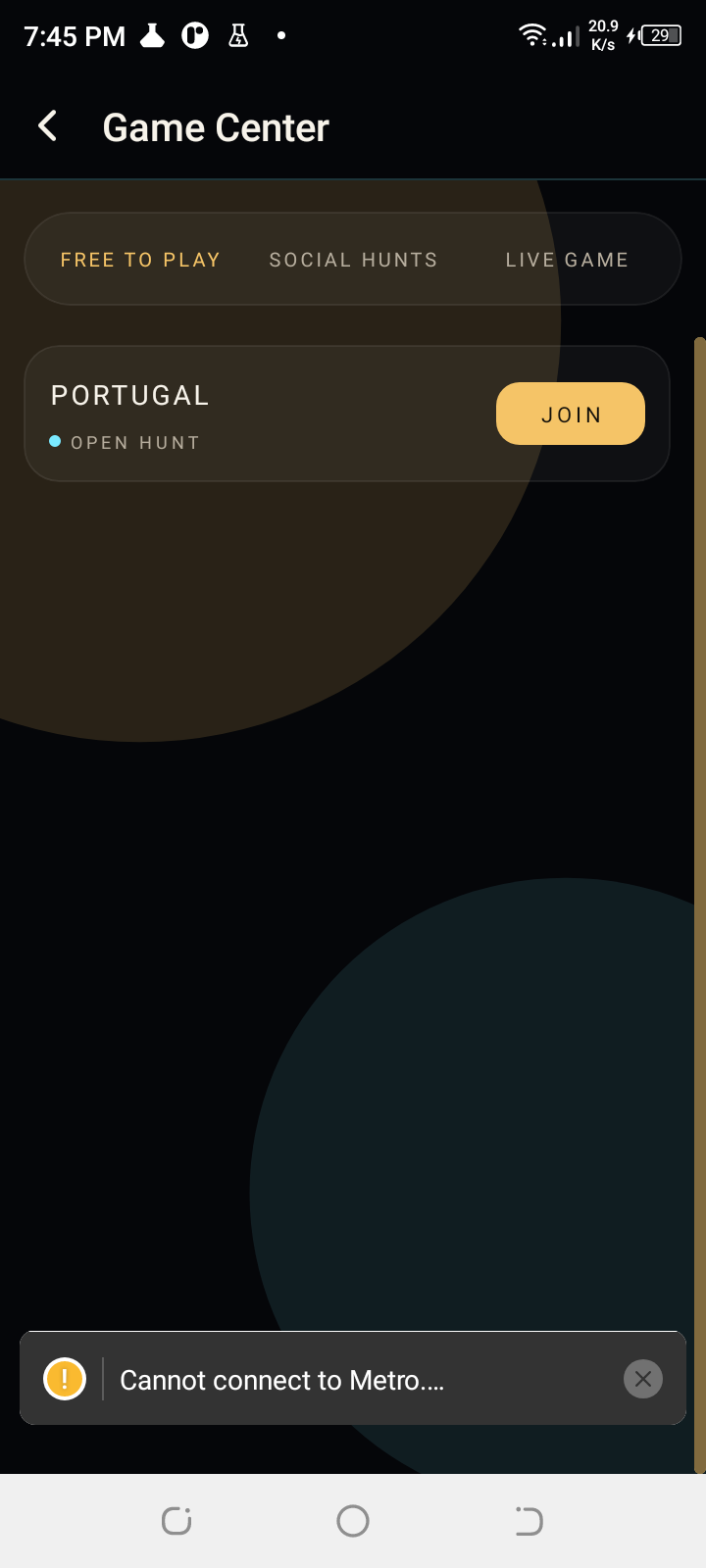
Screenshots — launch to authenticated session
Next
- Get the 3D engine library into the Android build so AR gameplay can run.
- Fix the Twilio conversation loading in the app so chat works after login.
- Wire the SendGrid sender to an endpoint, or drop the unused verification-code path if Supabase covers it.
- Obtain Twitter OAuth app credentials so account linking can be enabled.
- Give the test handset real network access instead of the USB workaround.